
Follow the operator’s document instructions
Darien Park District’s pavilion-rental page warns that information entered in the browser will not be saved and directs applicants to download, save and complete the form using Adobe Reader. Follow the current published process or seek assistance from the operator. Check the current application instructions with the District if your saved copy is incomplete.
Open the copy that will be sent
Check that the saved document contains the intended applicant, pavilion, date and relevant requested details. If fields are blank or missing, resolve that before sending it. Do not assume a screenshot of the browser proves the attachment carries the same information or that an empty form has established permission for outside equipment.
Keep the equipment proposal consistent
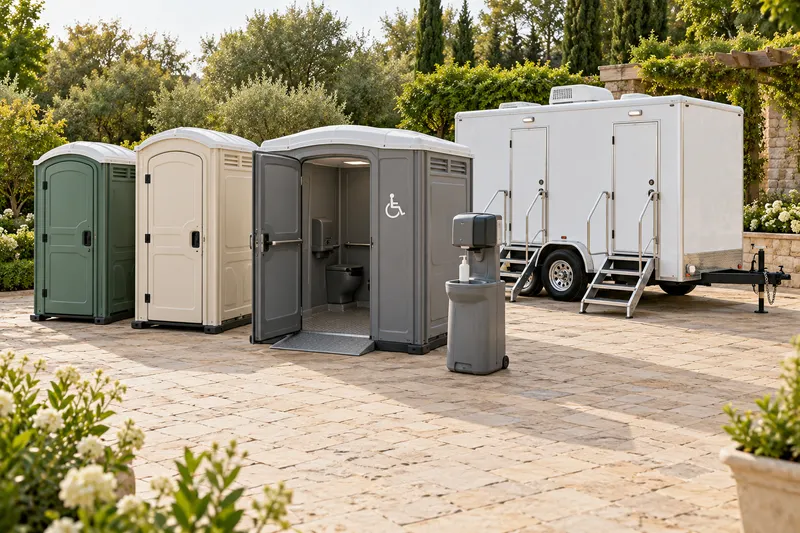
When the operator has reviewed the venue request, give the rental provider the actual accepted conditions and remaining requirement. The supplier’s quote form is not a replacement for a park application. Confirm which facilities are included, what outside additions are allowed and which decisions remain pending, then request the appropriate toilet and washing arrangement.
Questions before you book
Does a completed-looking browser form prove my attachment is filled in?
No. Open and check the actual saved copy, following the operator’s current instructions before submitting it.